
Triangle Baptist Church Brand

Primary Color
#71af41
Secondary Color
#f27c20
Tertiary Color
#019adc
Background Image
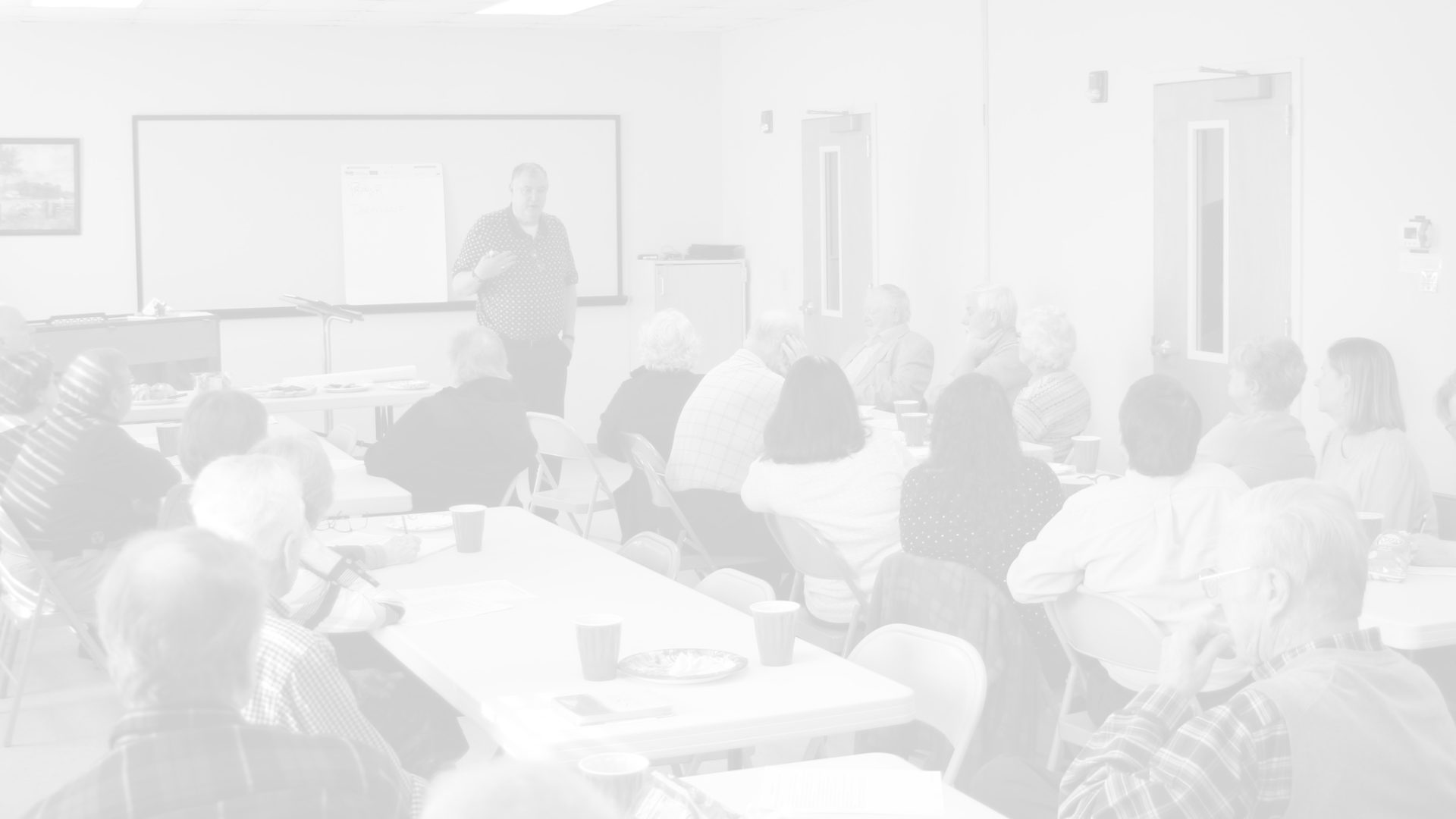
Key Photos
Your 10 key photos for marketing and promotions.
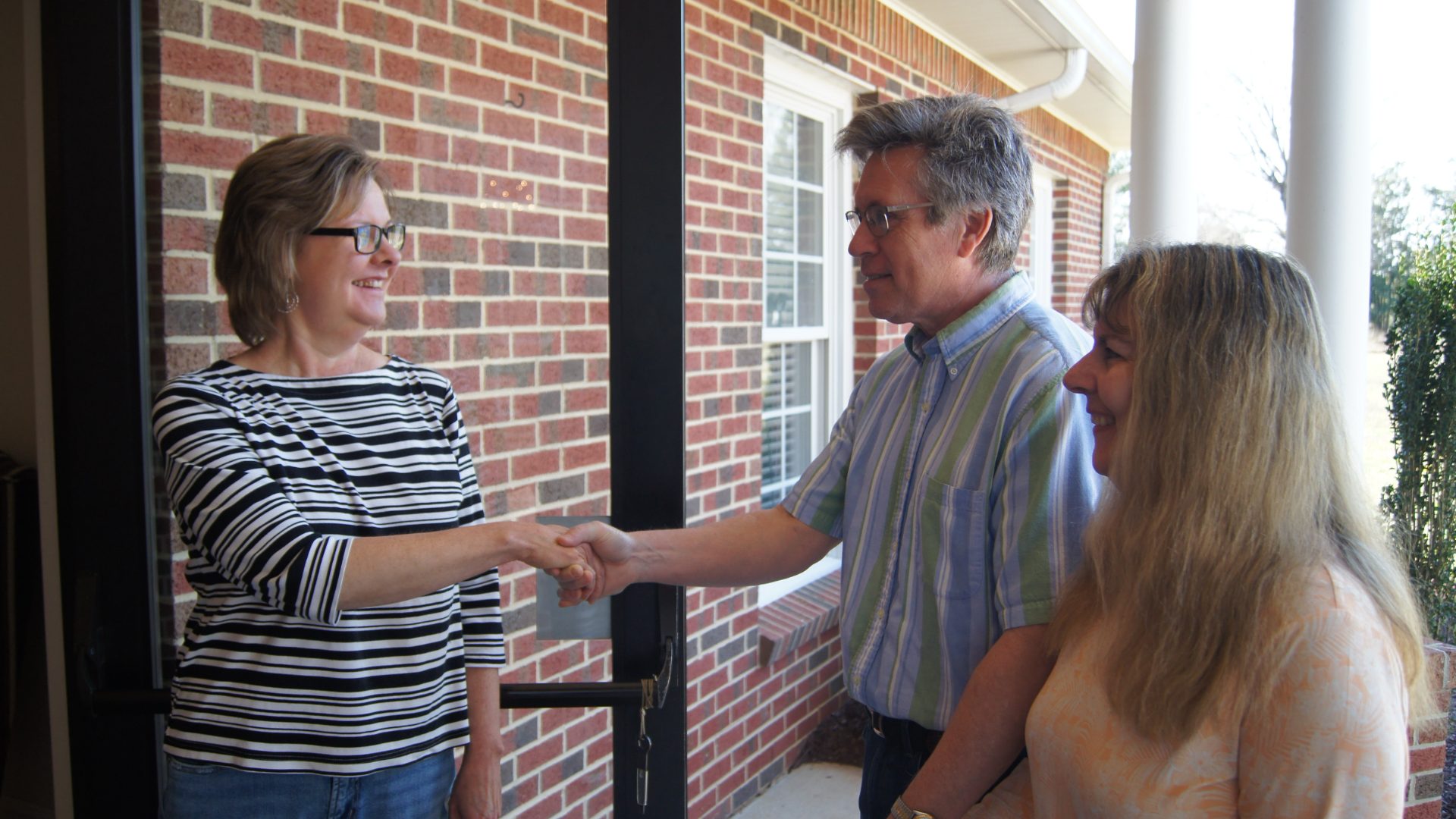
1 Welcome
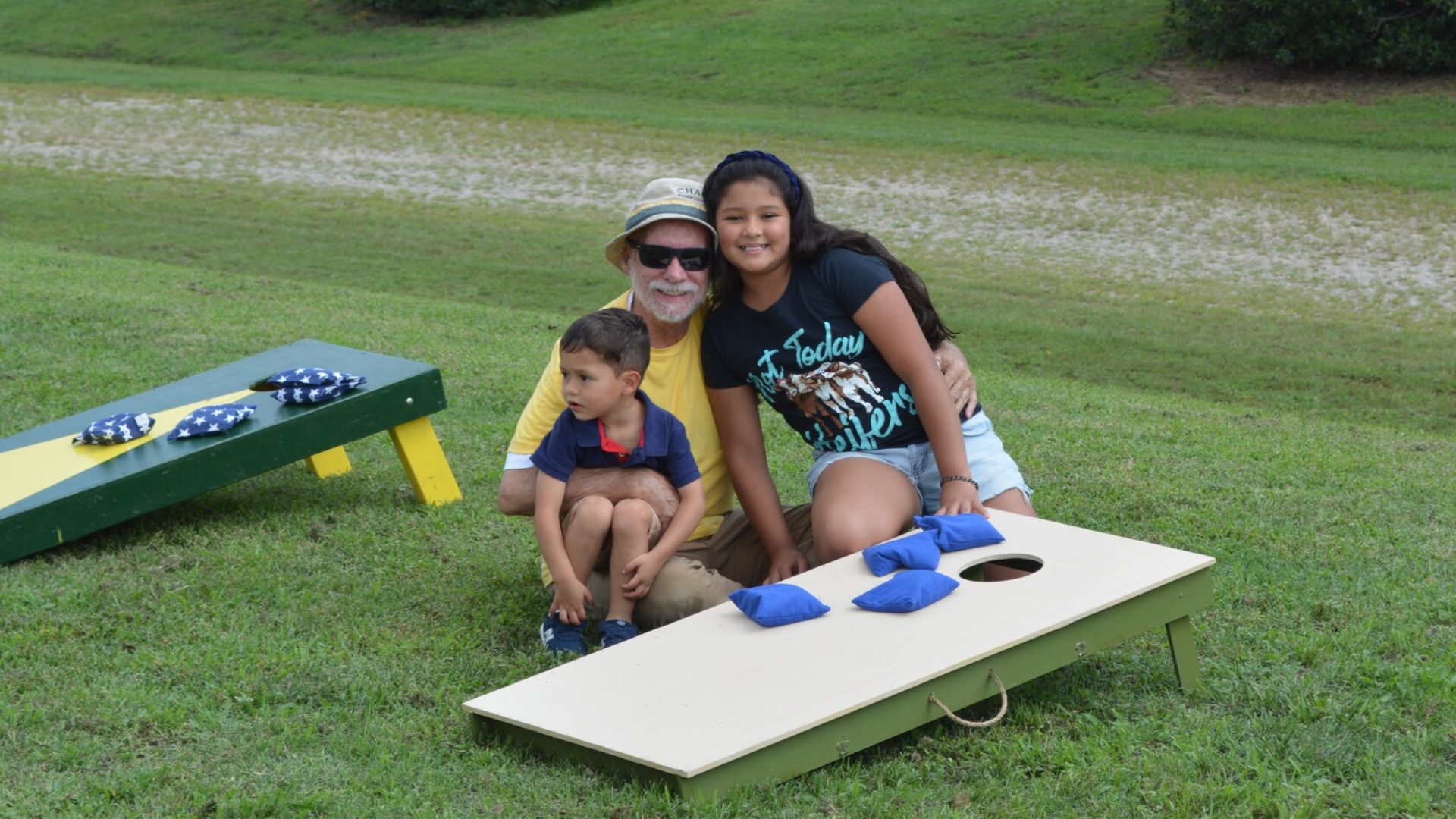
2 Family
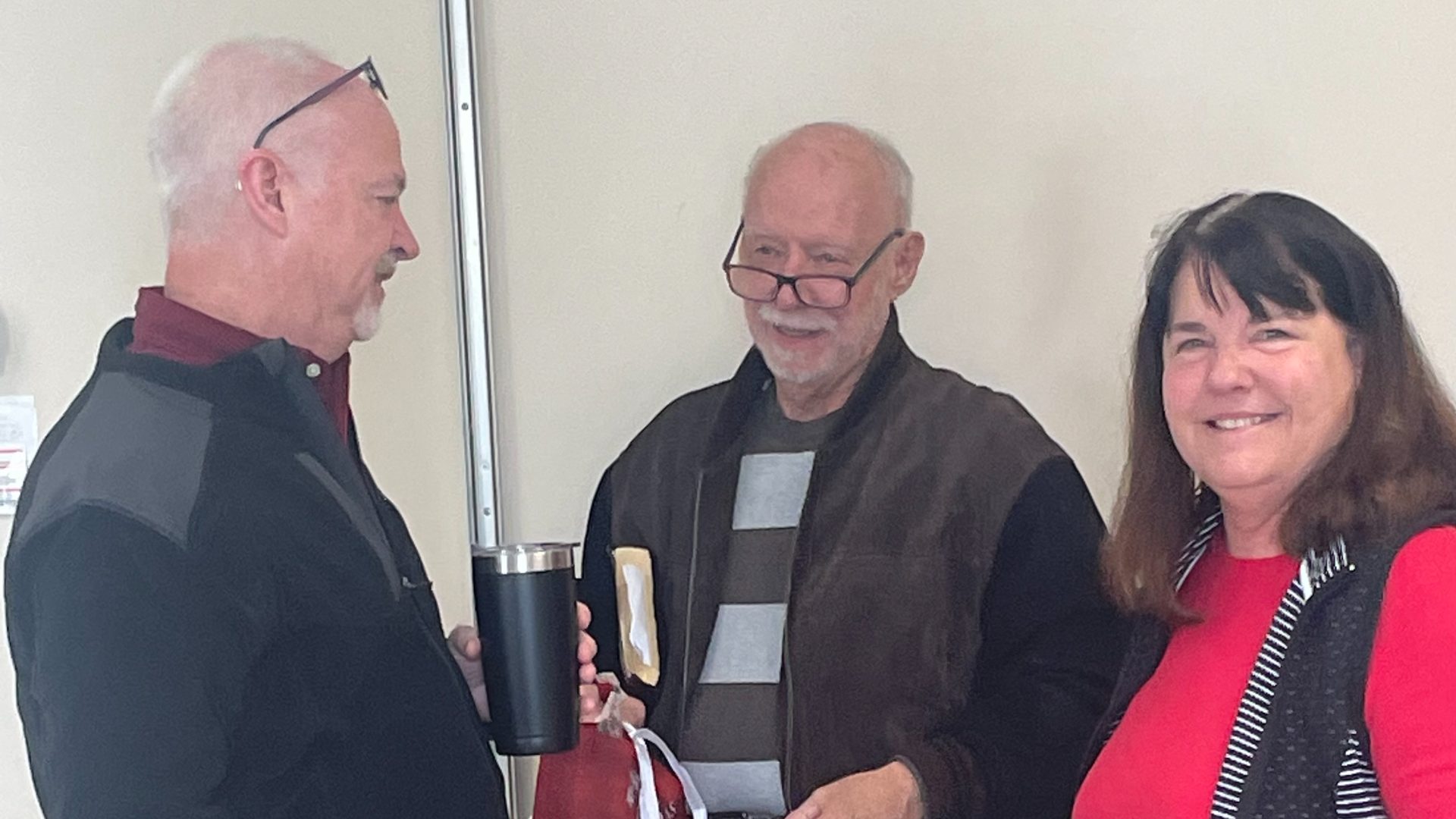
3 Friends
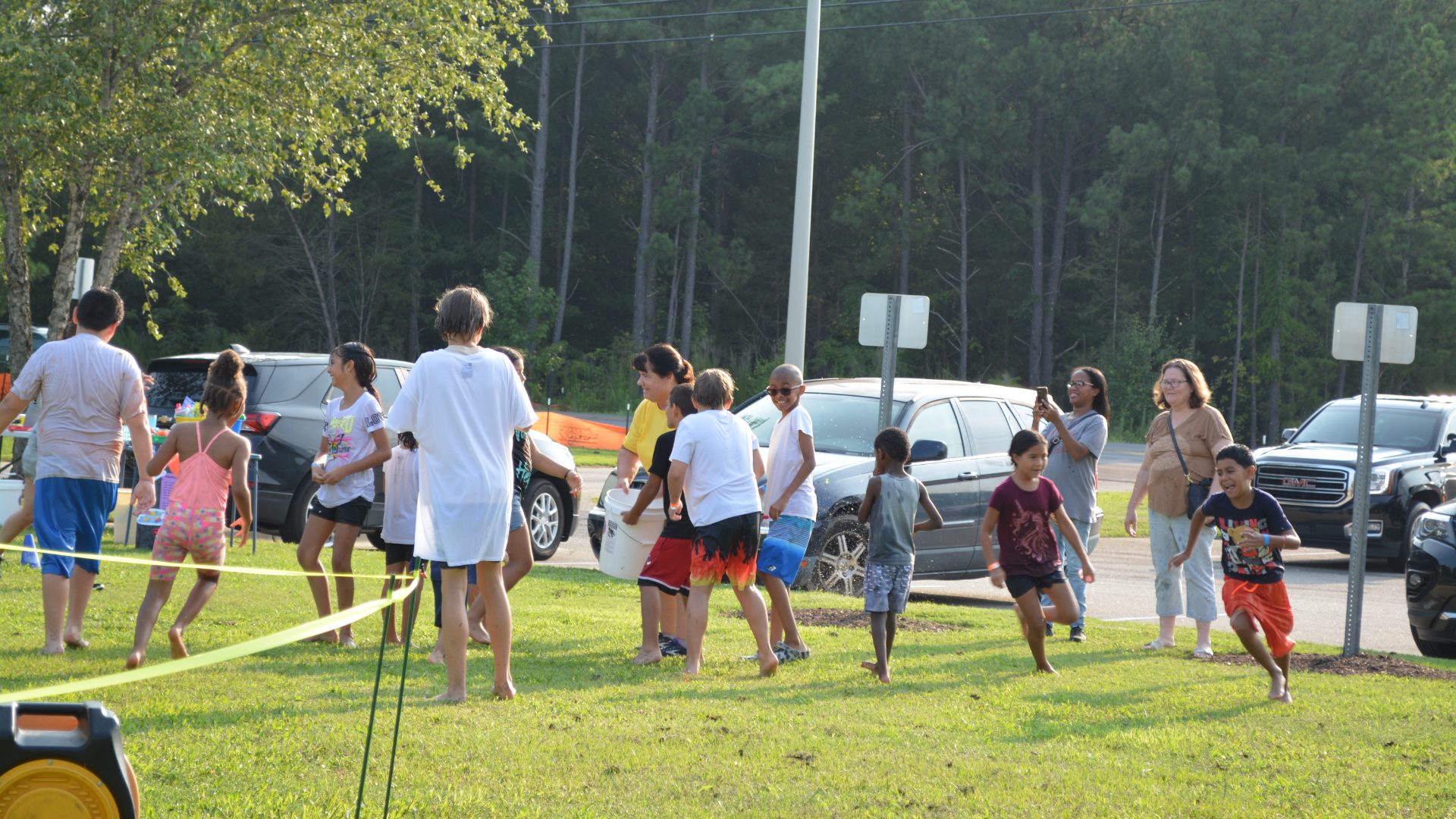
4 Kids Fun

5 Speaking
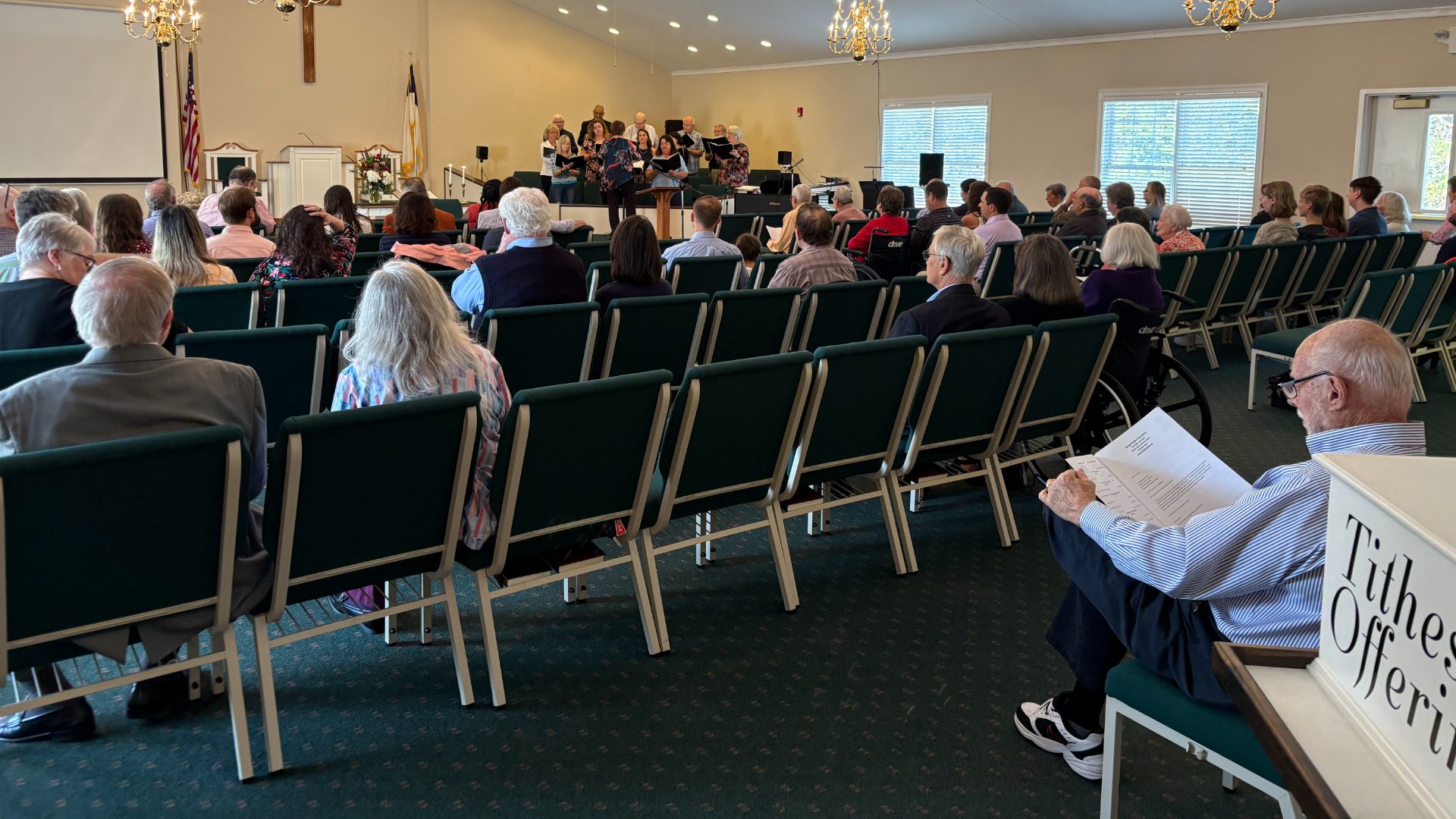
6 Listening
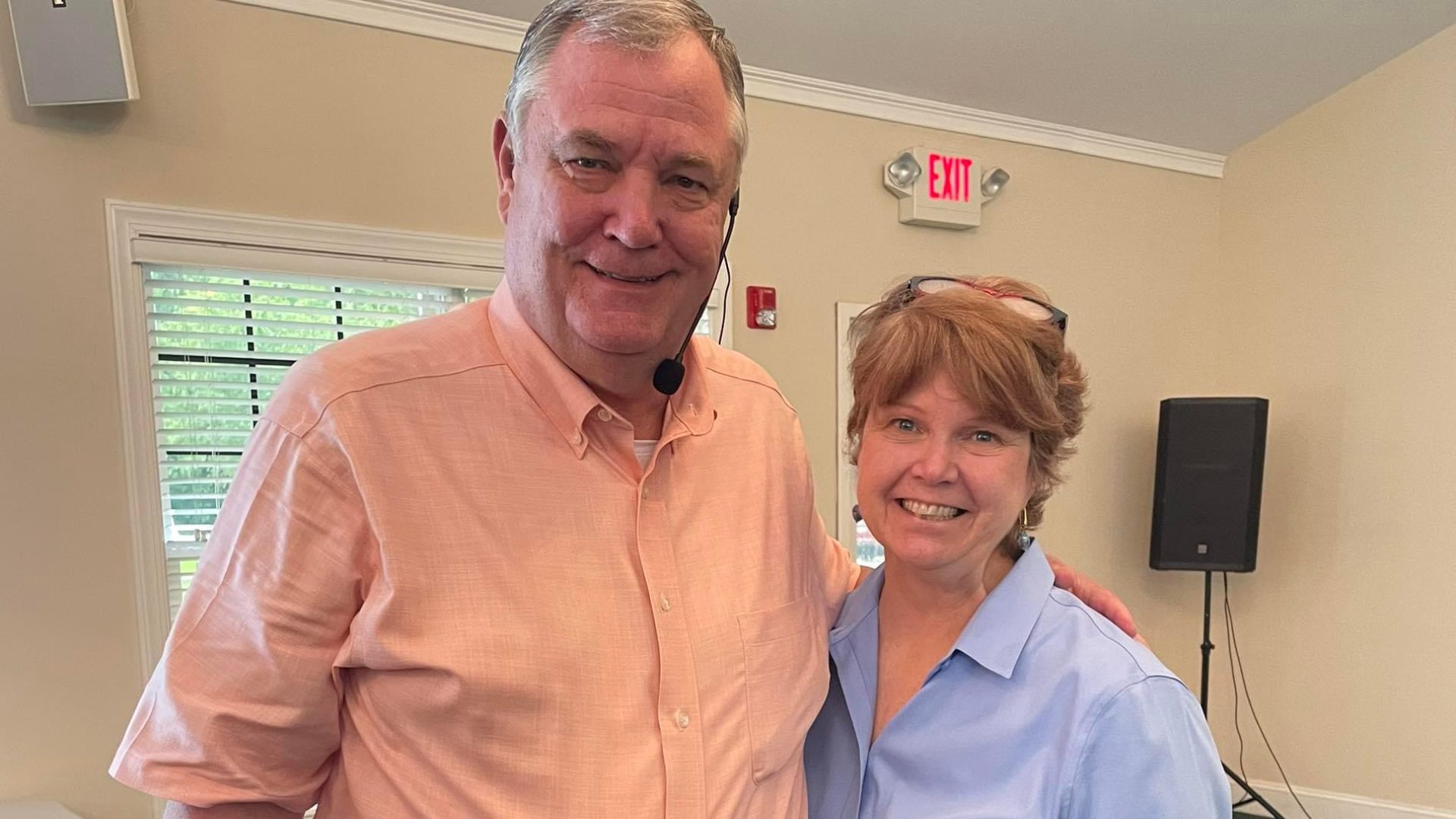
7 Pastor
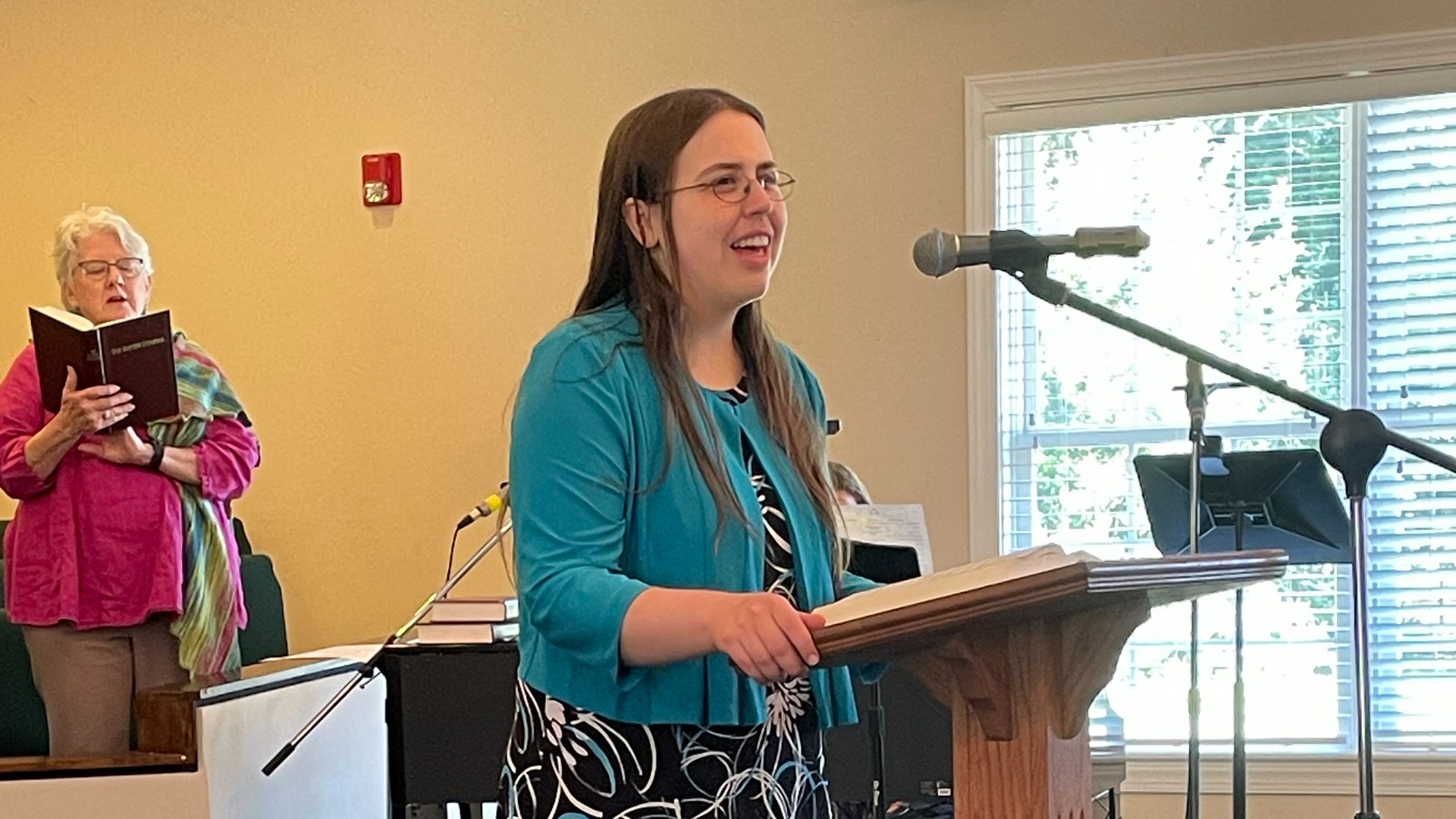
8 Singing
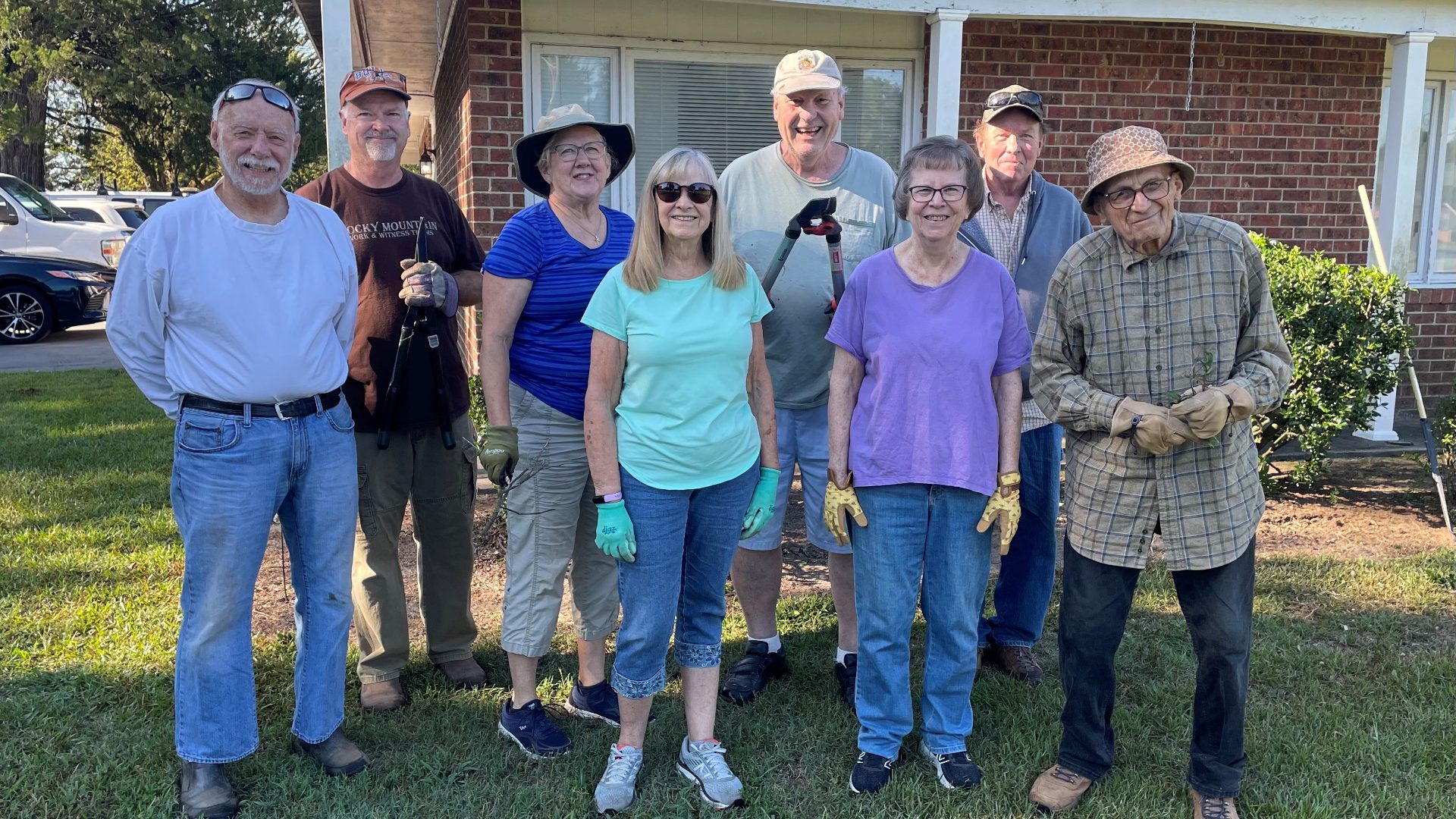
9 Group
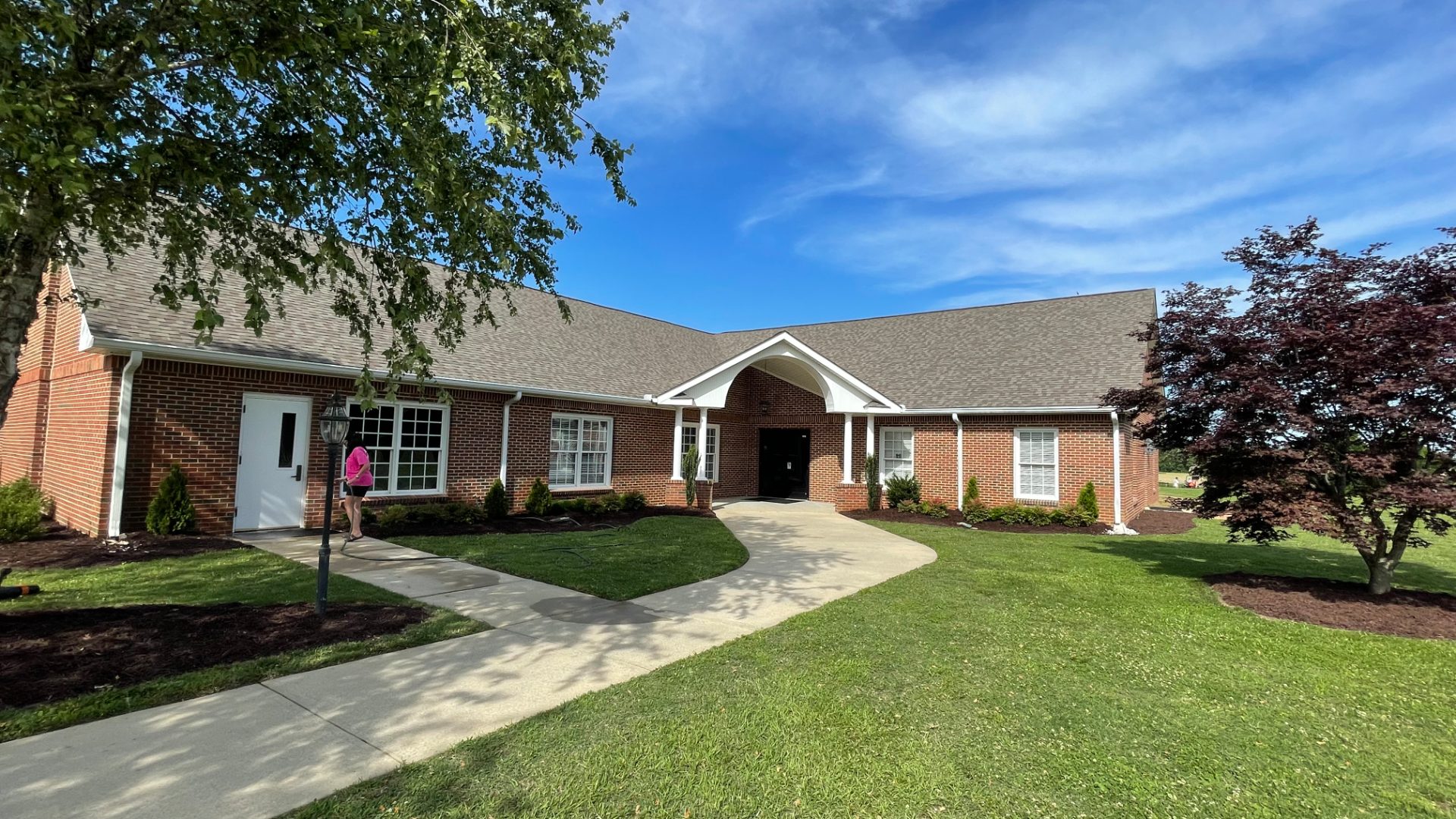
10 Facility
Plan Your Visit Bubble Code
Click the Copy Floating Bubble Code button below to copy the full HTML, CSS, and script needed to add the “Plan Your Visit” floating button to your church website. You will either need to paste it into the <body> section of the page you'd like it on (usually an HTML custom code) or insert the code in your page footer.
<!-- Floating Bubble in Lower Right Corner -->
<style>
#surveyBubble {
position: fixed;
bottom: 20px;
right: 20px;
width: 250px;
height: 65px;
background-color: #71af41;
border-radius: 40px;
cursor: pointer;
box-shadow: 0 4px 8px rgba(0,0,0,0.3);
z-index: 9999;
display: flex;
flex-direction: column;
align-items: center;
justify-content: center;
color: white;
font-size: 16px;
font-weight: bold;
text-align: center;
padding: 0px;
transition: width 0.3s, height 0.3s;
line-height: 1.4;
}
#surveyBubble span {
font-size: 14px;
font-weight: normal;
margin-top: 0px;
}
#surveyIframeContainer {
position: fixed;
bottom: 30px;
right: 10px;
width: 400px;
height: 650px;
border-radius: 20px;
display: none;
z-index: 9998;
overflow: hidden;
padding: 0px;
margin: 0px;
}
#surveyIframeContainer iframe {
width: 100%;
height: 100%;
border: none;
border-radius: 20px;
margin: 0;
padding: 0;
display: block;
position: absolute;
bottom: 0;
left: 0;
}
</style>
<div id="surveyBubble">
Plan Your Visit! 🎉<span style="font-weight: 400;">We can't wait to meet you!</span>
</div>
<div id="surveyIframeContainer">
<iframe title="Plan Your Visit" src="https://go.tribaptist.com/widget/survey/wLBh2pHNMORJ8OiAqWY4"></iframe>
</div>
<script>
document.addEventListener('DOMContentLoaded', function() {
const bubble = document.getElementById('surveyBubble');
const iframeContainer = document.getElementById('surveyIframeContainer');
const originalHTML = bubble.innerHTML;
bubble.addEventListener('click', function() {
if(iframeContainer.style.display === 'none' || iframeContainer.style.display === '') {
iframeContainer.style.display = 'block';
bubble.innerHTML = '×';
bubble.style.width = '60px';
bubble.style.height = '60px';
} else {
iframeContainer.style.display = 'none';
bubble.innerHTML = originalHTML;
bubble.style.width = '250px';
bubble.style.height = '65px';
}
});
});
</script>
Learn More Bubble Code
Click the Copy Floating Bubble Code button below to copy the full HTML, CSS, and script needed to add the “Learn More” floating button to your church website. You will either need to paste it into the <body> section of the page you'd like it on (usually an HTML custom code) or insert the code in your page footer.
<!-- Floating Bubble in Lower Right Corner -->
<style>
#surveyBubble {
position: fixed;
bottom: 20px;
right: 20px;
width: 250px;
height: 65px;
background-color: #71af41;
border-radius: 40px;
cursor: pointer;
box-shadow: 0 4px 8px rgba(0,0,0,0.3);
z-index: 9999;
display: flex;
flex-direction: column;
align-items: center;
justify-content: center;
color: white;
font-size: 16px;
font-weight: bold;
text-align: center;
padding: 0px;
transition: width 0.3s, height 0.3s;
line-height: 1.4;
}
#surveyBubble span {
font-size: 14px;
font-weight: normal;
margin-top: 0px;
}
#surveyIframeContainer {
position: fixed;
bottom: 30px;
right: 10px;
width: 400px;
height: 650px;
border-radius: 20px;
display: none;
z-index: 9998;
overflow: hidden;
padding: 0px;
margin: 0px;
}
#surveyIframeContainer iframe {
width: 100%;
height: 100%;
border: none;
border-radius: 20px;
margin: 0;
padding: 0;
display: block;
position: absolute;
bottom: 0;
left: 0;
}
</style>
<div id="surveyBubble">
Plan Your Visit! 🎉<span style="font-weight: 400;">We can't wait to meet you!</span>
</div>
<div id="surveyIframeContainer">
<iframe title="Plan Your Visit" src="https://go.tribaptist.com/widget/survey/wLBh2pHNMORJ8OiAqWY4"></iframe>
</div>
<script>
document.addEventListener('DOMContentLoaded', function() {
const bubble = document.getElementById('surveyBubble');
const iframeContainer = document.getElementById('surveyIframeContainer');
const originalHTML = bubble.innerHTML;
bubble.addEventListener('click', function() {
if(iframeContainer.style.display === 'none' || iframeContainer.style.display === '') {
iframeContainer.style.display = 'block';
bubble.innerHTML = '×';
bubble.style.width = '60px';
bubble.style.height = '60px';
} else {
iframeContainer.style.display = 'none';
bubble.innerHTML = originalHTML;
bubble.style.width = '250px';
bubble.style.height = '65px';
}
});
});
</script>
QR Codes
Click the Download button below a QR code to save it as an image. You can then add it to printed materials, slides, signs, or your website so people can easily scan and take their next step.
Plan a Visit
Survey
Connect Card
Jesus
Welcome Party
Prayer
Reviews
Easter
Christmas
21 Days of Hope
Christmas
14 Days of Light
Advent
New Year's Challenge
Join us for an upcoming service.
Use the plan your visit link to share your information and we'll make sure we're prepared to show you and your family around.
We can't wait to meet you.

© 2026 Triangle Baptist Church
Triangle Baptist Church
9713 Old Stage Rd
Raleigh, NC 27603
Phone: 984-768-8822